Every chat, with the numbers
Each conversation lists how many messages and how many photos, videos and voice notes it holds — so you can see at a glance which chats are worth keeping.
Chat Keeper imports the conversations you export from WhatsApp, keeps them behind a passcode or Face ID, and shows you what's actually in them — every message and every photo, counted.
iPhone & iPad
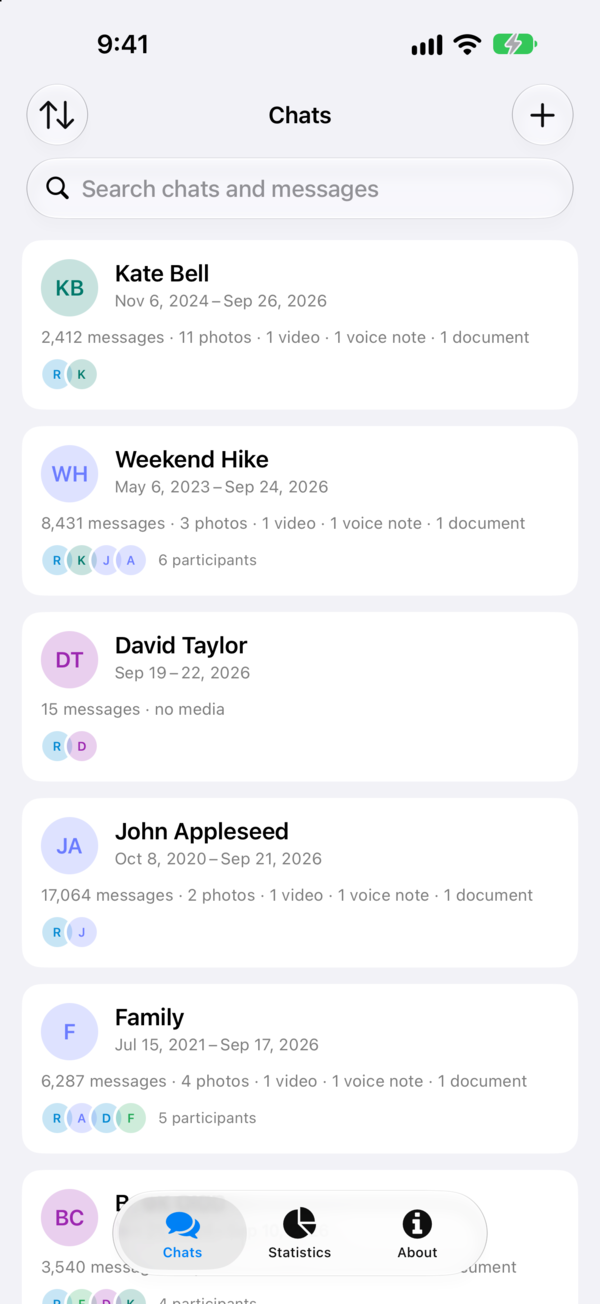
Chat Keeper takes the export WhatsApp already knows how to make and turns it into an archive you can keep, lock and understand.
Each conversation lists how many messages and how many photos, videos and voice notes it holds — so you can see at a glance which chats are worth keeping.
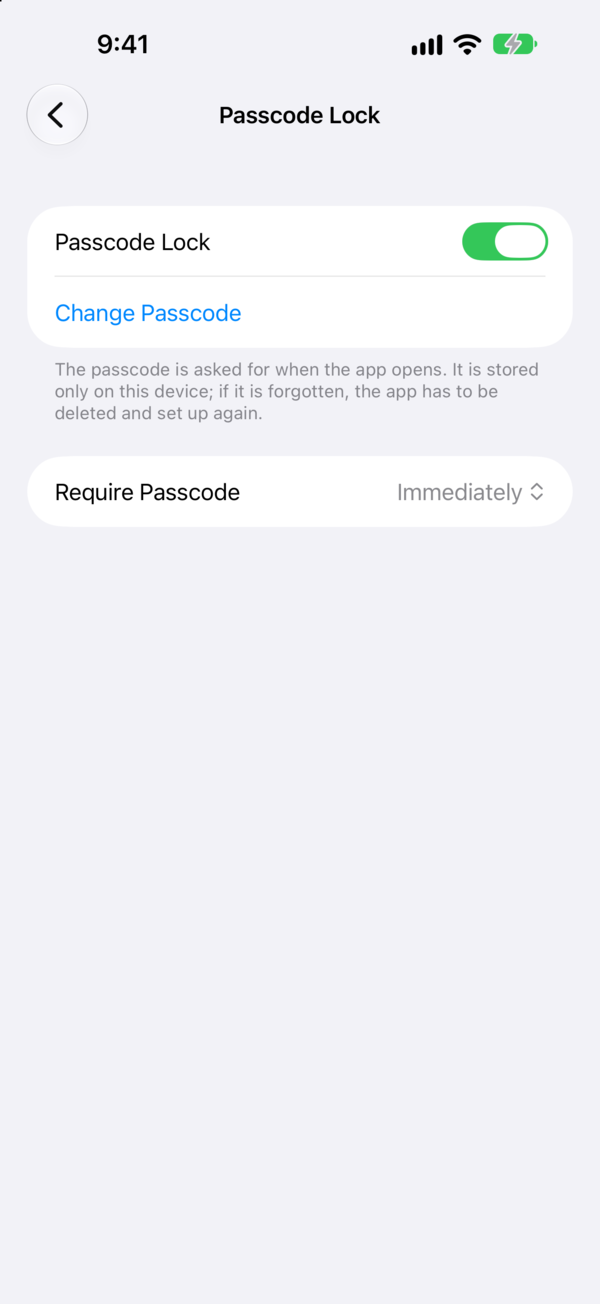
Four kinds of passcode, from a quick four digits to a full alphanumeric one — plus Touch ID and Face ID, and your choice of how soon it's asked for again, so you aren't retyping it every minute.
Message counts, emoji counts and more, so you can see how a conversation actually went.
Export a chat from WhatsApp and send it straight to Chat Keeper, with or without its media.
Add a conversation by hand from the + button and keep it beside the imported ones.
Chat Keeper reads the export WhatsApp already knows how to make — there's no setup to get through first.
In WhatsApp, swipe the conversation to the left and tap More, then Export Chat.
In WhatsAppBring the photos and videos along, or leave them out and keep the archive small. Either works.
Attach MediaPick Chat Keeper in the share sheet. The conversation is imported and the counts are ready. Done.
Share sheetNot on WhatsApp? Tap + on the chat overview to add a conversation by hand — paste it in and it sits alongside the imported ones.
Chat Keeper sits behind its own lock, separate from the one on your phone. You decide how strict it should be.
Tap any screen to view it full size.

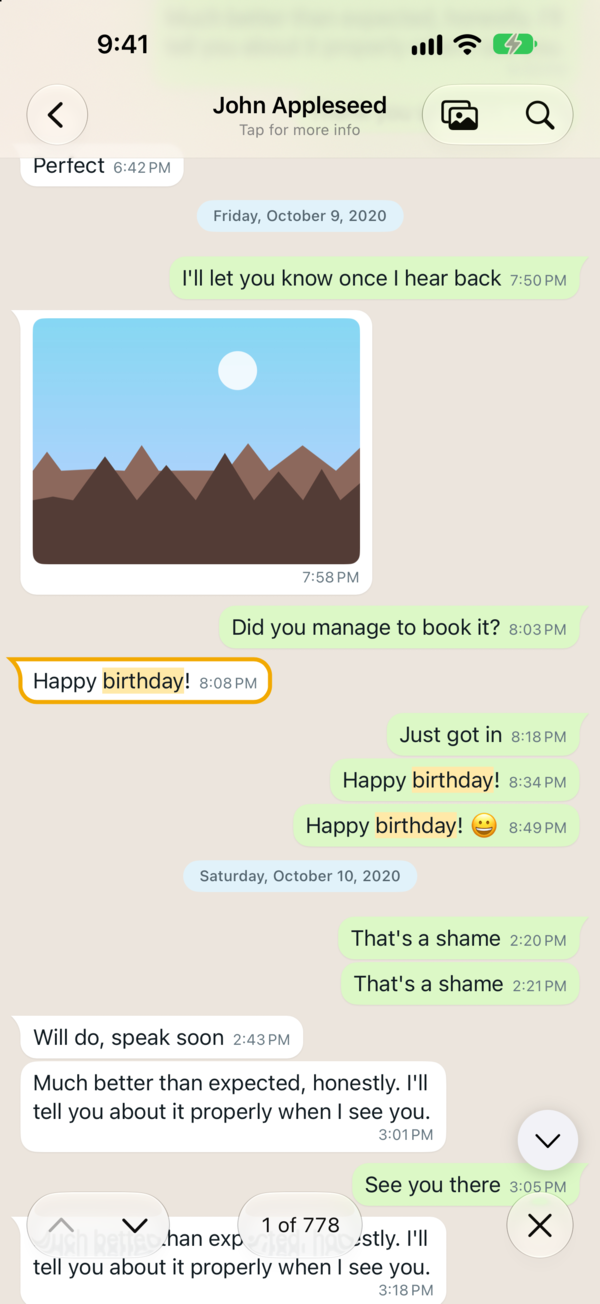

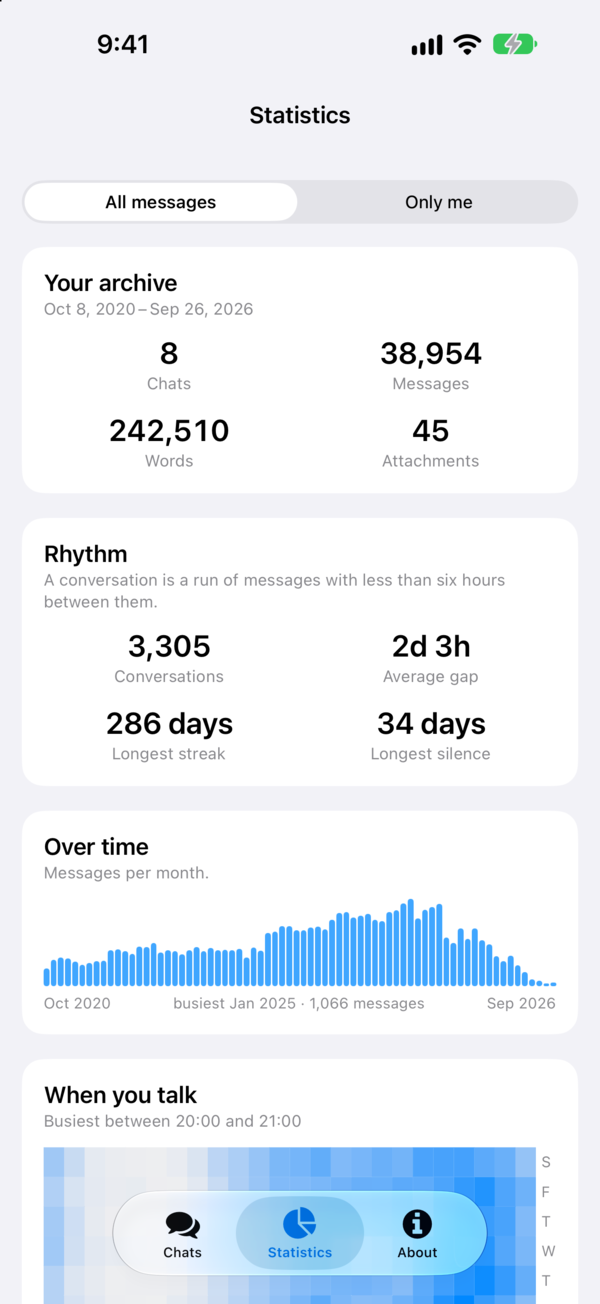
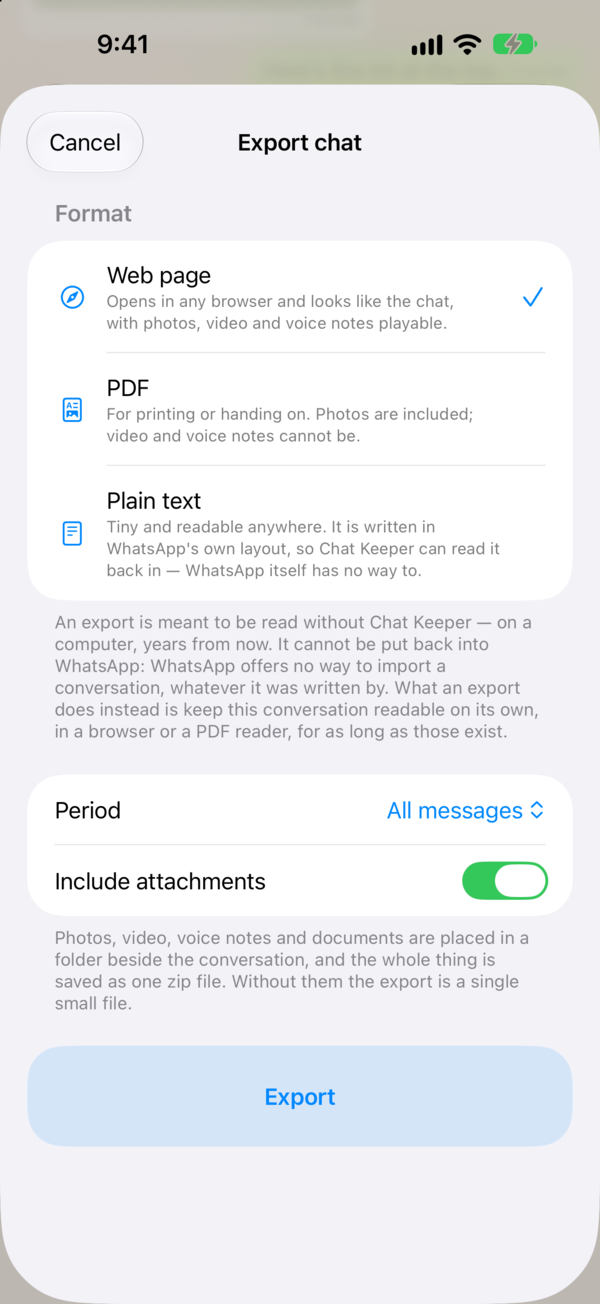

Chat Keeper has been on the App Store since 2017. Bring your WhatsApp history somewhere it stays put.
Send us a message and we'll reply as soon as we can. Bug reports, feature requests and general questions are all welcome.